

Video invitation themes
Blast invites are animated videos with music that you send by text. Pick an occasion to see its themes.
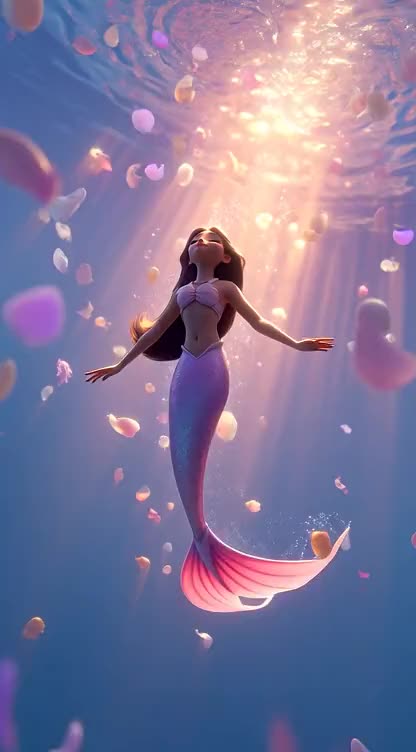 Kids' birthday Mermaid Princess Make a free invite
Blast has 511 animated video invitation designs across 10 occasions, from kids' birthdays and baby showers to quinceañeras, K-pop parties and the holidays.
Every design is free to create and send: an animated video invitation with music that you make on your phone in a few minutes. Guests open the link, watch the video and RSVP with their name and email, with no account, no app and no code to type. You send one link by text, WhatsApp or email, and since October 2026 you can also use your own video clip of up to 60 seconds through the “Your video” category.
Updated November 2026
How a Blast invitation works
- Pick an occasion below and choose a design, or use a clip from your phone.
- Add the name, date, time and place.
- Send one link by text, WhatsApp or email.
- Guests open the link, watch the video and RSVP on the same page, with no app and no account.
- Every reply shows on your private host page, and Blast emails you each one.
 Make it your own video Use a clip from your phone, up to 60 secondsBirthday | Kids · 203 themes
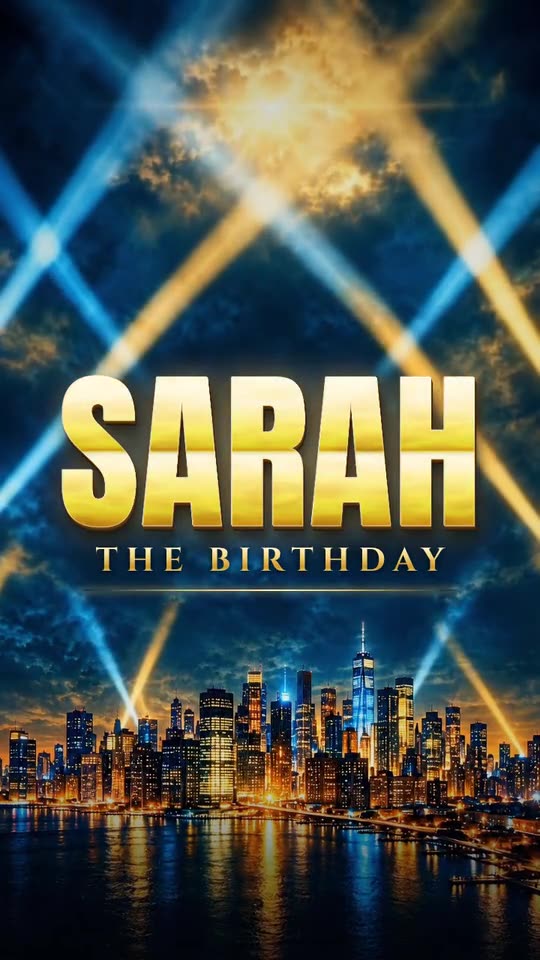 Milestone Birthdays · 56 themes
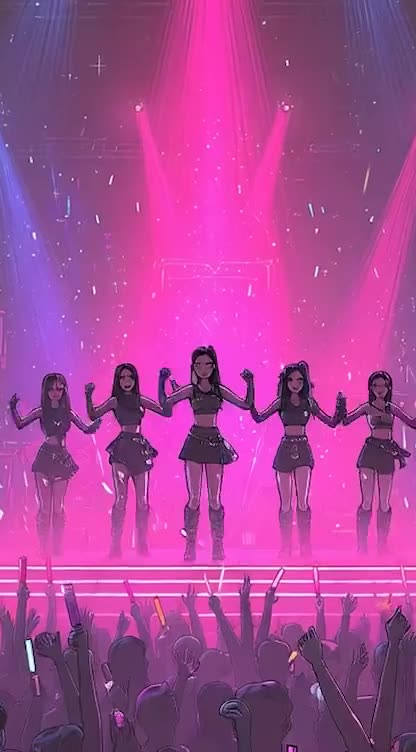 Kpop · 50 themes
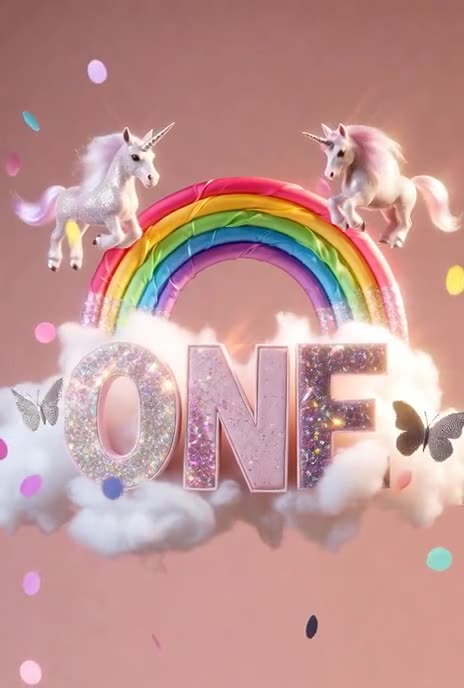 Baby's First Birthday · 57 themes
 Baby Shower · 60 themes
 Quinceañera · 8 themes
 Special Events · 8 themes
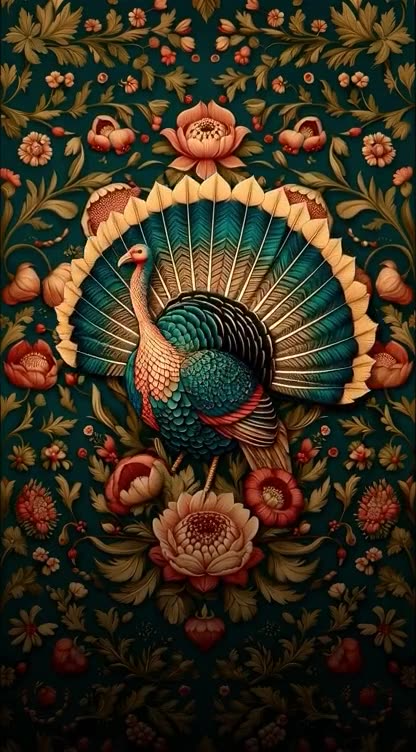 Thanksgiving · 11 themes
 Christmas · 43 themes
 New Year's Eve · 15 themes
FAQs
BLAST invites are animated video experiences that include music — not static cards. They feel more like a fun piece of social content than a piece of paper, turning your invitation into the first moment of the celebration instead of just an information handoff.
BLAST is web-based and works on mobile and desktop browsers. No app download required for hosts or guests.
Yes. You can preview your invite and try the reply form before you share the link. Your dashboard opens once the invite is sent.
Yes. You can edit your event details and music after sending. The theme can’t be changed once the invite is sent.
Yes. You can submit theme requests, and we use community feedback to guide what we build next. Please email support@getblast.video to submit a request. Explain in detail what you are looking for. Note: We can’t create ANY licensed material, for example Disney characters.
Yes. Each invite includes several music options, and you can switch tracks whenever you like. Guests cannot change the music.
You’ll get a shareable link that can be sent via text, email, or any messaging app.
No. Guests simply tap the link, view the invite, and RSVP.
No. You can share your invite with as many guests as you’d like.
Guests respond from the invite. Replies show on your private page, and we email you each reply.
Yes. Changes you make to your invite automatically update for guests.
Yes. Creating and sending an invite is free, with unlimited guests. Blast AI is the one paid extra: your photo turned into an AI video invitation, $9.99 per invitation.
No. There is nothing to subscribe to and nothing to cancel.
No. At the send step we email you a one-time code to confirm it’s you, and your private link to edit and manage your invite lands in the same inbox.
Yes, for a party, such as an office holiday party. There are no business-specific designs.
Yes. We offer custom invite experiences for venues, brands, and partners. Reach out through our partnerships form to start a conversation.