

Make It Your Own Video Invitation
Blast turns a clip from your phone into a free video invitation with RSVP. Pick a video of up to 60 seconds, add the name, date and place, and send one link by text, WhatsApp or email.
Already made your invitation video, on your phone or in an app like Canva or CapCut? Upload it to Blast, add the party details and text the link to your guests. They watch and RSVP on the same link, and every reply shows on your private host page.
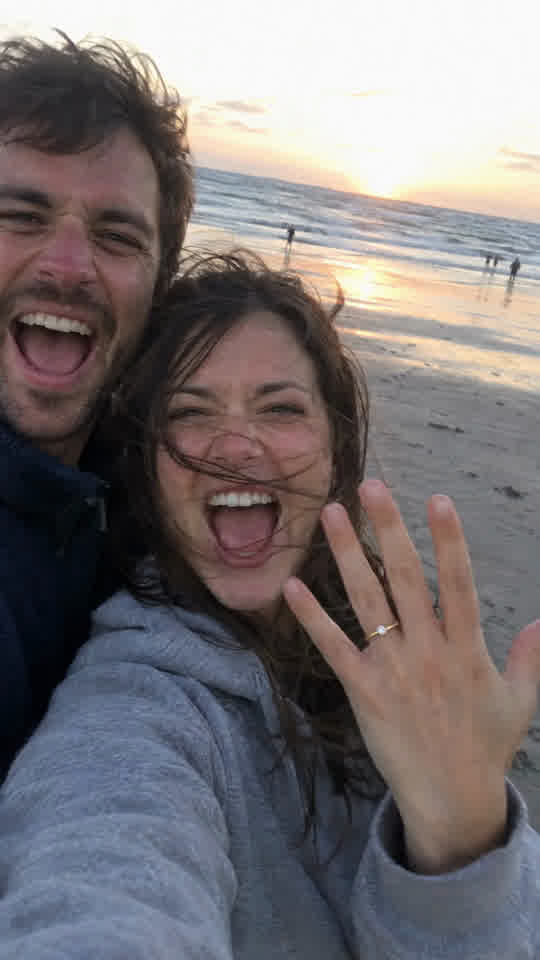 Example Dana & Tom's Engagement Party
Examples are AI-generated, not real hosts.
Or pick an animated designGuests watch your clip and RSVP with their name and email, with no app and no account. Your video is the invitation itself, not an attachment.
Updated November 2026
How to turn your video into an invitation
- Open getblast.video/new, choose "Your video" and tap "Choose a video". Pick a clip from your camera roll. About 20 seconds works best. Clips up to 60 seconds and 300 MB are accepted.
- Type who the party is for and what the occasion is. The name goes in the opening scene, so nothing is drawn over your clip.
- Pick one of three songs, or continue without music. A birthday, baby shower, anniversary, graduation or housewarming gets songs matched to it. Your clip keeps its own sound either way.
- Add the date, time, place and a note, plus a gift registry link if you have one.
- Confirm your email with a one-time code, then send one link by text, WhatsApp, email or any app.
Example clips
The kind of moment that works, for eighteen different occasions.
These examples are AI-generated, not real hosts.
Dana & Tom's Engagement Party
Leo's First Birthday
Sofía's Quinceañera
Rachel's Surprise 50th Birthday
Noa's 6th Birthday
Amir's Graduation Party
The Parkers' Holiday Party
Maya's Baby Shower
Los 80 de la abuela Carmen
Jo & Lee's Housewarming
Ruth & Sam's 50th Anniversary
The Kims' Summer BBQ
Bea's Debut
Ruby's 5th Birthday
Aoife's First Communion
Matilda's 6th Birthday
Zayd's 5th Birthday
Baby Kai's Full Month
What your guests see
The link opens a short vertical story on their phone. First an opening scene with the name, such as "You're invited to Maya's Birthday", then your clip, then the date, the place and your note, and finally "Will you be there?" with Going, Maybe and Can't buttons. They can watch with sound or without.
Watch the whole thing in 17 seconds, from the clip to the RSVP:
What to film, by occasion
One idea, one take, phone upright. The clip you already have is often the right one.
- A kid's birthday: your child saying "come to my party" to the camera.
- A first birthday: those wobbly first steps towards you.
- A baby shower: the two of you holding up the tiniest socks.
- A quinceañera: her first twirl in the dress.
- An engagement party: the ring, the beach, the shouting.
- A surprise party: friends whispering "shh" in a dark hallway.
- An anniversary: a slow dance in the living room.
- A graduation: the cap going up in the backyard.
- A housewarming: new keys held up at the front door.
- A holiday party: everyone in matching pajamas.
More tips are in the guide to sending your own video as an invitation.
The details
- Length: about 20 seconds works best. Clips up to 60 seconds are accepted. Blast checks before uploading and tells you if a clip is longer.
- File size: up to 300 MB, one clip per invitation.
- Shape: vertical looks best. A landscape clip is shown with bars, not cropped.
- Sound: your clip keeps its own sound, and a song plays softly under it if you pick one.
- Guests: no limit. A reply takes a name and an email, or only a name for Can't.
- Your file: the raw upload is deleted once the clip is prepared. An invitation you never send is deleted after seven days.
- Price: free, including the RSVPs and the host page. No subscription and no per-guest fee.
Your own video or an animated design?
Use your own video when the moment is the message: your child, your family, your news. Choose an animated design when you have no clip you like, or when the party has a theme. The steps after that are the same, and both are free.
No video? Start with a photo
Using your own video is free. If you have only a photo, Blast AI turns it into an 8-second video invitation. That is Blast's premium option: free to make, paid when you send it.
See Blast AIQuestions
Can I use my own video as an invitation?
Yes. On Blast a clip of up to 60 seconds from your phone becomes the invitation: an opening scene with the name, your clip, the details and an RSVP button, sent as one link. It is free.
Is there a free video invitation with RSVP that uses my own video?
Yes, Blast. Creating the invitation from your clip, sending the link and collecting RSVPs are free, with no subscription and no limit on guests.
How long can the video be?
About 20 seconds works best. Clips up to 60 seconds and 300 MB are accepted. Blast checks the length before uploading, so you can trim a longer clip in your phone's gallery and try again.
How do guests RSVP to my video?
The RSVP buttons are part of the invitation. Guests tap Going or Maybe and leave a name and an email, and they can add the date to their calendar. Guests who tap Can't leave only a name. Nobody needs an app or an account.
Do I need to download an app?
No. Blast works in your phone's browser, and the link opens in your guests' browsers. There is nothing to install for you or for them.
How do I send it?
As one link, by text, WhatsApp, email or any messaging app. Replies appear on your host page as they come in.
Does it need music if my video has sound?
No. You can continue without music. If you pick a song it plays softly under your clip, so your own sound leads, and comes back up on the details and RSVP scenes.
What if I don't have a video?
Pick one of Blast's animated designs instead. There are nearly 500 across kids' birthdays, baby showers, quinceañeras, K-pop parties and the holidays, and each comes with its own song. Or, if you have a photo, Blast AI can make the video from it. That is Blast's one paid option.